
Field Guide 001 · Podcast Audio
Why Your Podcast Sounds Like Sh*t (And 3 Techniques That Actually Matter)
Your microphone probably is not the problem. Fix the room, the distance, and the signal chain before you spend another dollar on gear.
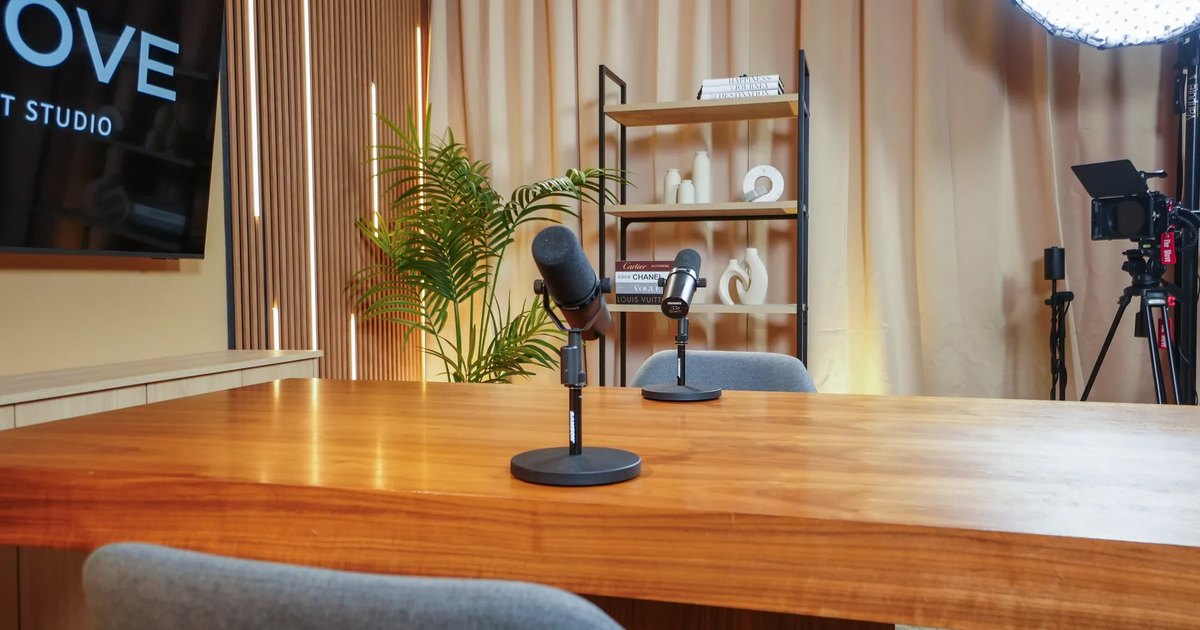
The short answer
- Control reflections with soft, irregular surfaces.
- Keep the mic six inches away and slightly off-axis.
- Protect the signal with clean gain and shielded cables.
Look, I'm going to be real with you.
Your podcast does not sound bad because you need a $3,000 microphone. It sounds bad because you are likely making the same three mistakes that cost us thousands of dollars and months of frustration when we started The Move Miami.
The painful part is that these mistakes are so common most podcasters do not realize they are making them.
The expensive lesson
We invested $200,000. The first episode still sounded terrible.
When we built our first studio, we did what every new podcaster does: bought the best gear we could afford. Eight cameras. Professional lighting. Top-tier microphones.
The first episode sounded hollow and amateur. Not because of the equipment, but because we did not yet understand how audio behaves in a real room.
Creators with $100 setups can produce better audio than studios with $50,000 in gear when they understand the three principles below.
Technical specs do not matter if you ignore the fundamentals.
Technique one
Hard surfaces create audible reflections.
You do not need to cover every wall in acoustic foam. You need to understand that hard surfaces reflect your voice back into the microphone a fraction of a second later. That delayed duplicate creates the hollow, bathroom-like sound listeners recognize immediately.
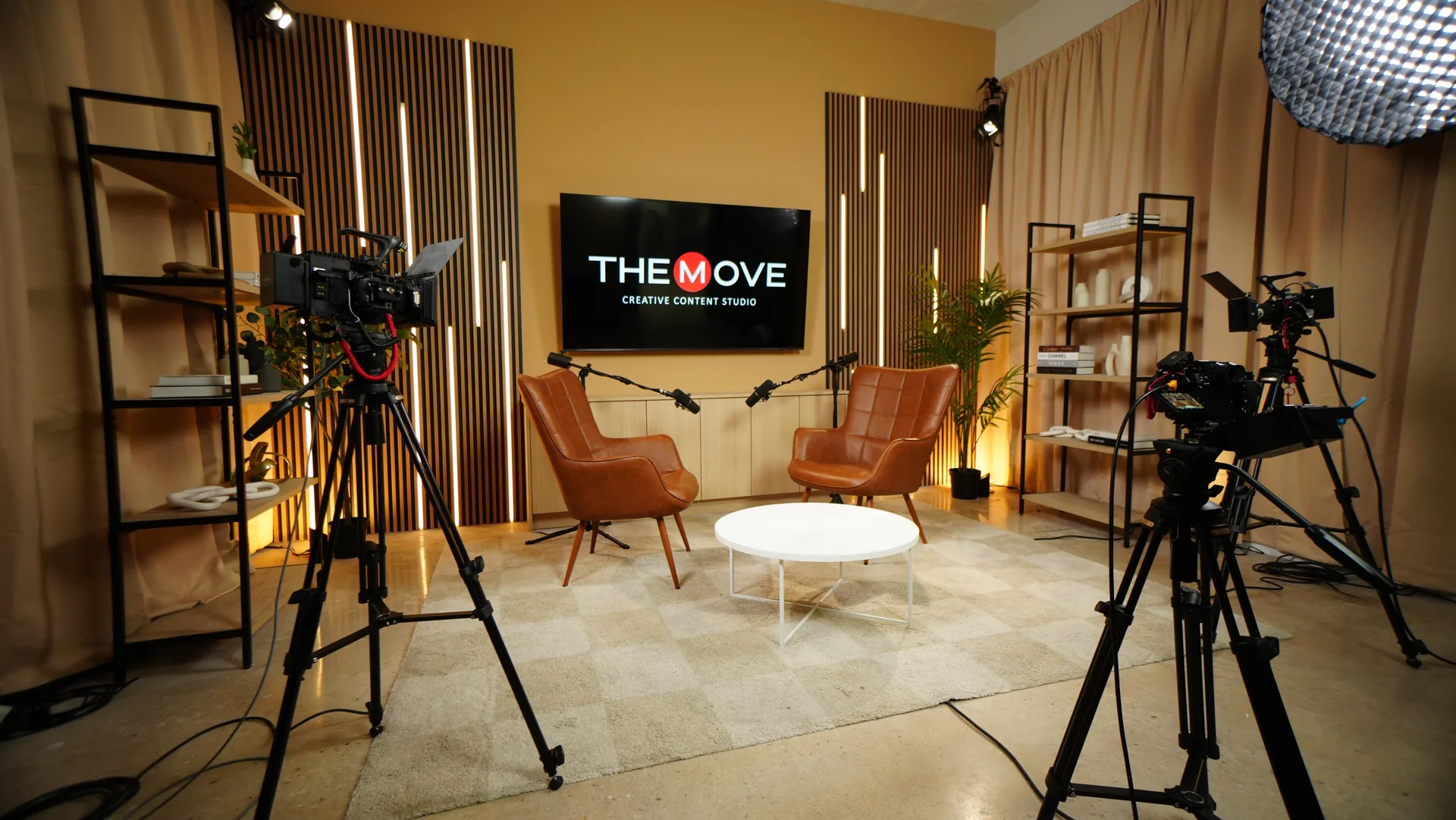
Windows, bare floors, blank walls, and large desks keep sound moving around the room. The fix costs less than $50:
- Hang heavy curtains over windows.
- Put a thick rug under the recording area.
- Place blankets or moving pads behind the speakers.
- Use bookshelves to break up flat reflections.
Technique two
Mic placement: use the six-inch rule
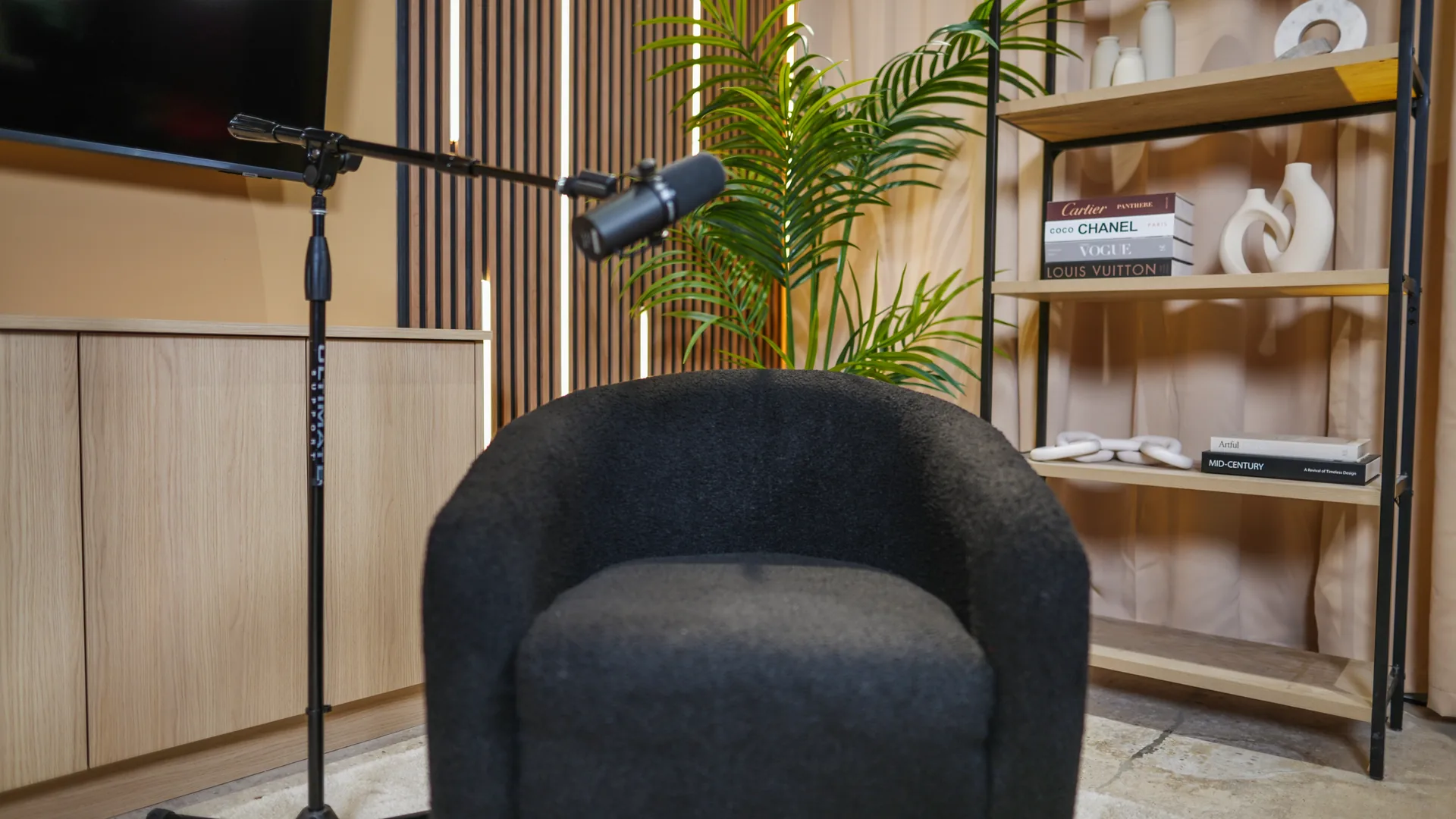
A Shure SM7B is designed for close proximity. Sit two feet away and it behaves like an expensive room microphone: you lose warmth, capture reflections, and compensate by turning up the gain along with the noise.
Position the microphone slightly off-axis instead of directly in front of your mouth. You keep vocal presence while reducing plosives, the harsh bursts produced by "P" and "B" sounds.
- Move closer before increasing gain.
- Keep the distance consistent while speaking.
- Aim past the corner of your mouth, not straight at it.
Technique three
Why cheap cables can ruin otherwise good audio
An expensive microphone cannot rescue a weak preamp, an unshielded cable, or poor routing. The SM7B is a low-output dynamic microphone and needs substantial clean gain. Push an underpowered interface too hard and you amplify its noise floor along with your voice.
Power supplies, phone chargers, laptops, cameras, and LED walls generate electromagnetic interference. Poorly shielded XLR cables pick it up as buzz or hiss.
- Use shielded XLR cables.
- Route them separately from power, and never bundle the two together.
- Use preamps that provide enough clean gain.
Once the chain is clean
Set gain conservatively. Add loudness later.
Professional studios record conservatively, then enhance in post. That protects the performance and leaves room for unexpected laughter, emphasis, or a louder guest.
- Speak at your normal on-camera volume and set the preamp so peaks land between −12 dB and −6 dB.
- Never let the recording hit 0 dB or the red. Digital clipping cannot be repaired cleanly.
- Increase perceived loudness in post-production, after capturing a healthy signal.
Source: [6]
What we got wrong
Gear does not fix technique problems. Cheap gear can still create new ones.
Our first paid client received audio with room echo. We refunded the session and recorded it again. We bought acoustic panels before recognizing that a reflective LED wall was a major part of the problem. We tried multiple interfaces before understanding that clean preamp power mattered more than the logo on the box.
Those mistakes shaped our process. Every session now starts with the voice, the room, and the signal, not a gear checklist.
Why this matters
People tolerate imperfect video. They leave bad audio.
Bad audio creates cognitive load. Your listener has to work to separate your voice from echo, hiss, and room noise. The message gets lost before your authority, story, or offer has a chance to land.
You are not building a show to become an audio engineer. You are building it to earn attention, attract sponsors, and establish authority. Reliable sound removes friction between the listener and the idea.
How we apply it in Miami
You bring the conversation. We remove the technical friction.
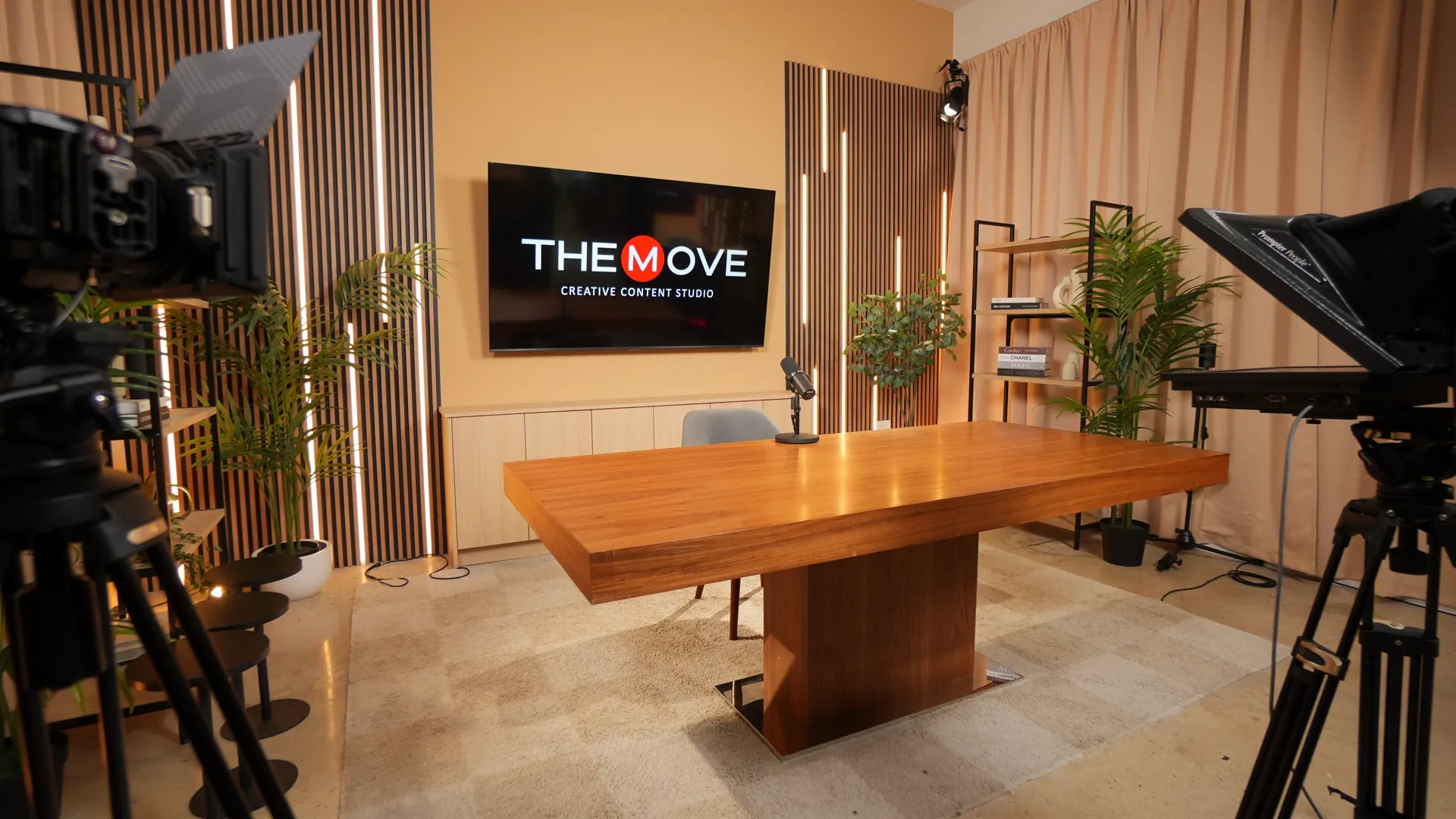
Every session at The Move Miami includes microphone placement for each voice, optimized preamps, proper cable routing, real-time gain staging, room acoustics tuned to the set, and professional post-production.
We use the same fundamentals for first-time creators and household names. Professional quality is not a celebrity setting. It is a repeatable process.
Use this before your next episode
The seven-point quick-win checklist
- Add curtains, blankets, rugs, or other soft materials to the room.
- Position the microphone six inches from your mouth.
- Aim the microphone slightly off-axis to reduce plosives.
- Use shielded XLR cables and separate them from power.
- Set normal speech to peak between −12 dB and −6 dB.
- Record five minutes and listen for echo, buzz, hiss, and clipping.
- Change one variable at a time so you know what solved the problem.
The bottom line
Your podcast does not need more expensive gear. It needs a better foundation.
Room treatment can cost less than $50. Mic placement takes 30 seconds. Clean preamps and shielded cables are one-time investments. Start with technique, upgrade only where the signal chain proves you need it, and your next recording will sound better immediately.
Fast answers
Podcast audio FAQ
How far should a podcast microphone be from your mouth?
Start at approximately six inches, about one fist, and angle the microphone slightly away from the center of your mouth. Adjust for the speaker's volume while keeping the distance consistent.
Do I need acoustic foam to make a podcast sound professional?
No. Start by reducing hard, parallel surfaces with curtains, rugs, blankets, and irregular bookshelves. Purpose-built acoustic treatment helps, but basic reflection control produces a meaningful improvement first.
What recording level should podcast audio peak at?
Aim for normal speech to peak between −12 dB and −6 dB. Avoid 0 dB and clipping. Final loudness should be handled during post-production.
Sources
Technical claims in this guide, checked against the manufacturers' own documentation.
- Shure, SM7B User Guide: microphone placement
- Shure, SM7B Output Level and Preamp Gain Specifications
- Shure, Microphone Techniques for Recording
- DPA Microphones, The basics about comb filtering (and how to avoid it)
- The Podcast Host, Is Cable Crossing a Bad Thing in Audio Recording?
- Boris FX, What Is Gain Staging and How to Get It Right